
Windows 10 support is ending!

What do companies need to do NOW?

End of life - Windows 10 ends on 14 October 2025

Support for Windows 10 is ending. Many companies have already made the switch. Nevertheless, we see that, particularly in small and medium-sized enterprises, the urgency has not yet been recognised and key workstations and applications are still running on this operating system. But what does the end of support actually mean for them, why is it critical and what alternatives are available?

In this article you will learn what companies absolutely must do now and how proactive IT support can actively assist them with the switch.

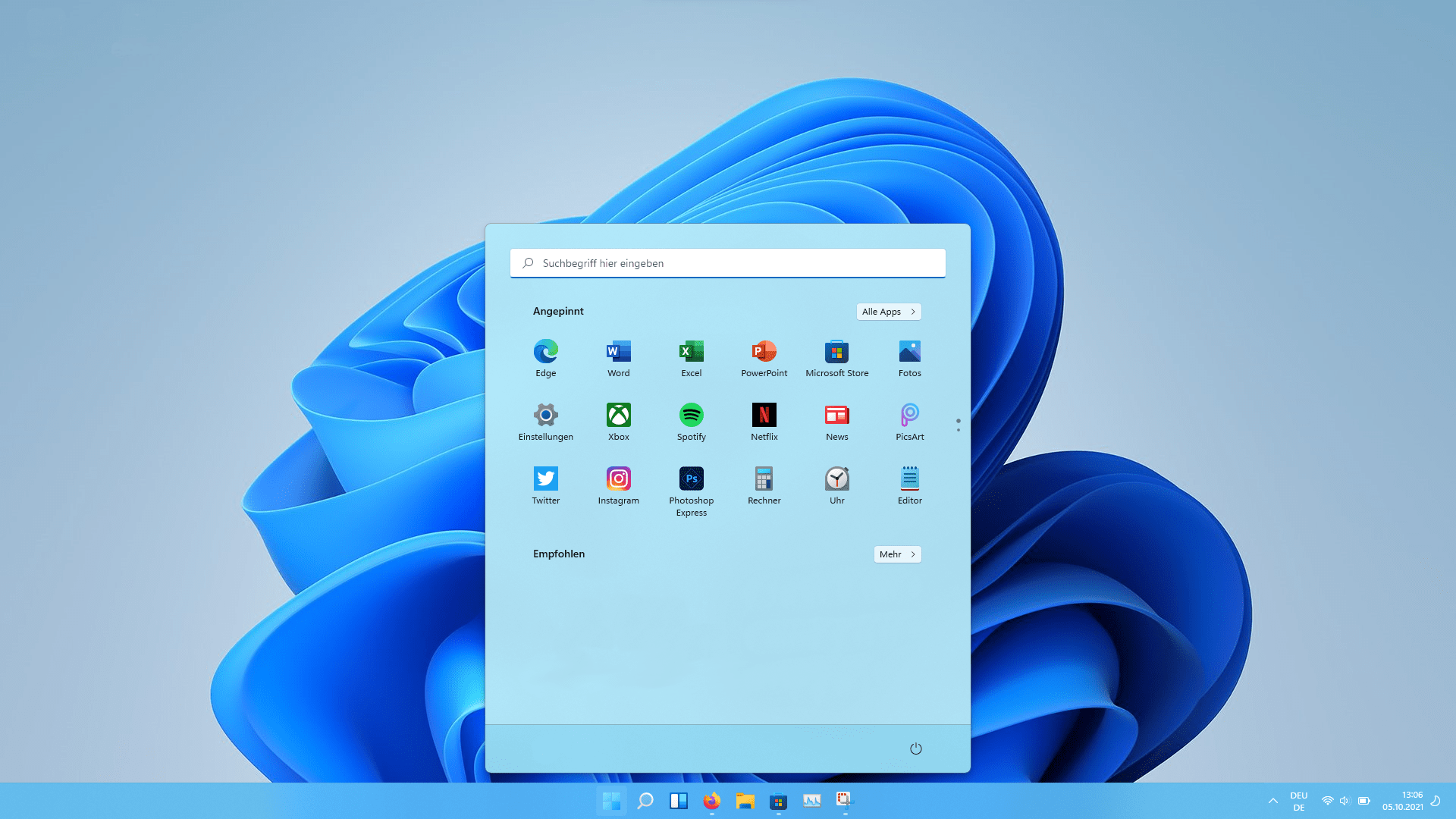
Why is Windows 10 ending?

Windows is ending - companies need to take action

Windows 10 has been around for over 10 years, having been released in July 2015. Microsoft has defined clear life cycles for its operating systems.

On 14 October 2025, extended support for Windows 10 ends:
From that point on, there will be no more security updates, feature updates and no more support.

The reason:
With this strategy, Microsoft wants to move all users to modern platforms such as Windows 11 in the long term, which offer better security, higher performance and longer support.

Why is the end of Windows 10 so critical?

For SMEs, the end of Windows 10 brings several risks at once:

Without security updates, systems become an easy target for cyberattacks.

Cybersecurity insurers generally refuse payouts when EOL products are used in the company.

Outdated software can lead to problems with data protection.

Fundamentally, (industry-specific) software will no longer be available for Windows 10 devices in future.

Missing updates increase the risk of software errors and outages.

Those who react too late – often pay more, because stopgap solutions are considerably more expensive.

What alternatives to Windows 10 does Microsoft offer?

Windows 11

Microsoft is clearly backing Windows 11 as the successor. Companies benefit from:

  • Modern security standards
  • Longer support
  • Better cloud integration
  • more efficient collaboration

Extended Security Updates (ESU)

For non-compatible devices, Microsoft offers Extended Security Updates (ESU) for a fee.

Extended Security Updates (ESU) are a paid programme from Microsoft that provides companies with additional security updates for products whose regular support has already expired.

These extend protection in the short term, but are not a sustainable solution.

Microsoft is clearly backing Windows 11 as the successor

“In the long term, there is no way around Windows 11 or new hardware.”

PC upgrade or new computer?

Many companies ask themselves: is an upgrade enough, or is a new PC necessary? Here too, companies need to look very closely at whether their devices fundamentally meet the requirements:

Many older processors do not meet the requirements for Windows 11.

Windows 11 can only be installed on PCs/laptops with 8th generation Intel Core processors or newer or AMD Ryzen 2000 (“Zen +”) or higher. Older CPUs such as the Intel Core i7-7700 or Ryzen 1000 are no longer supported.

Without this security chip, Windows 11 will not run – retrofitting is often not possible.

Secure Boot is a security feature of the UEFI (BIOS) system that ensures only trusted, digitally signed software is executed when your PC/laptop starts up.

When the computer starts, Secure Boot checks whether the operating system and all bootloaders come from a trusted source (e.g. Microsoft or the motherboard manufacturer).
If manipulated or unsigned software (e.g. malicious code) is about to be loaded, Secure Boot blocks the boot process – so the PC/laptop remains protected.

Our recommendation

Instead of upgrading, investing in new hardware is in many cases more economical in the long term and more secure.

Tip: Microsoft PC Health Check
With the free PC Health Check tool, companies can check whether their devices are Windows 11-capable – and thus quickly decide whether an upgrade makes sense or new hardware is the better solution.

How can proactive IT support help with the switch?

For small and medium-sized enterprises in particular, the switch is a good opportunity to put the IT strategy fundamentally to the test. Continuous, proactive IT support helps to set up the IT landscape securely, free of disruptions and fit for the future. It also ensures that the switch to Windows 11 goes smoothly and securely:

Which systems are affected?

Step-by-step switch to Windows 11 without downtime.

Review and creation of audit-proof backups, EDR antivirus protection and access rights.

Ongoing updates, active system monitoring, security optimisations and fast IT support for lasting stability.

“With a strong IT partner at your side, a mandatory task becomes an opportunity to modernise your IT infrastructure and make it fit for the future!”

Conclusion

The end of Windows 10 is a turning point that companies must not ignore. Decision-makers in SMEs should act now to switch to Windows 11 in good time.
With proactive IT support, you have Computer-Spezialisten at your side to support you reliably. This not only secures the stability of your systems but also sustainably strengthens the competitiveness of your company.

Interested in proactive IT support?

We take responsibility for your IT.

Book an appointment now for a no-obligation introductory meeting!

MCL Computer-Spezialisten.de GmbH